
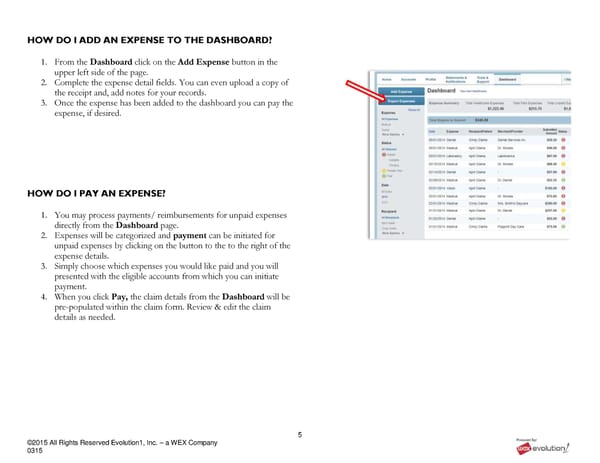
5 ©2015 All Rights Reserved Evolution1, Inc. – a WEX Company 0315 HOW DO I ADD AN EXPENSE TO THE DASHBOARD? 1. From the Dashboard click on the Add Expense button in the upper left side of the page. 2. Complete the expense detail fields. You can even upload a copy of the receipt and, add notes for your records. 3. Once the expense has been added to the dashboard you can pay the expense, if desired. HOW DO I PAY AN EXPENSE? 1. You may process payments/ reimbursements for unpaid expenses directly from the Dashboard page. 2. Expenses will be categorized and payment can be initiated for unpaid expenses by clicking on the button to the to the right of the expense details. 3. Simply choose which expenses you would like paid and you will presented with the eligible accounts from which you can initiate payment. 4. When you click Pay, the claim details from the Dashboard will be pre-populated within the claim form. Review & edit the claim details as needed.
 RSI Member Portal Quickstart Guide Page 4 Page 6